
How to View the Origin of a Huddle
Use the following steps to trace a Huddle back to its origin (source document or context).
Step-by-Step Instructions
Step 1: Open the Huddle
Start by opening the Huddle you want to trace.
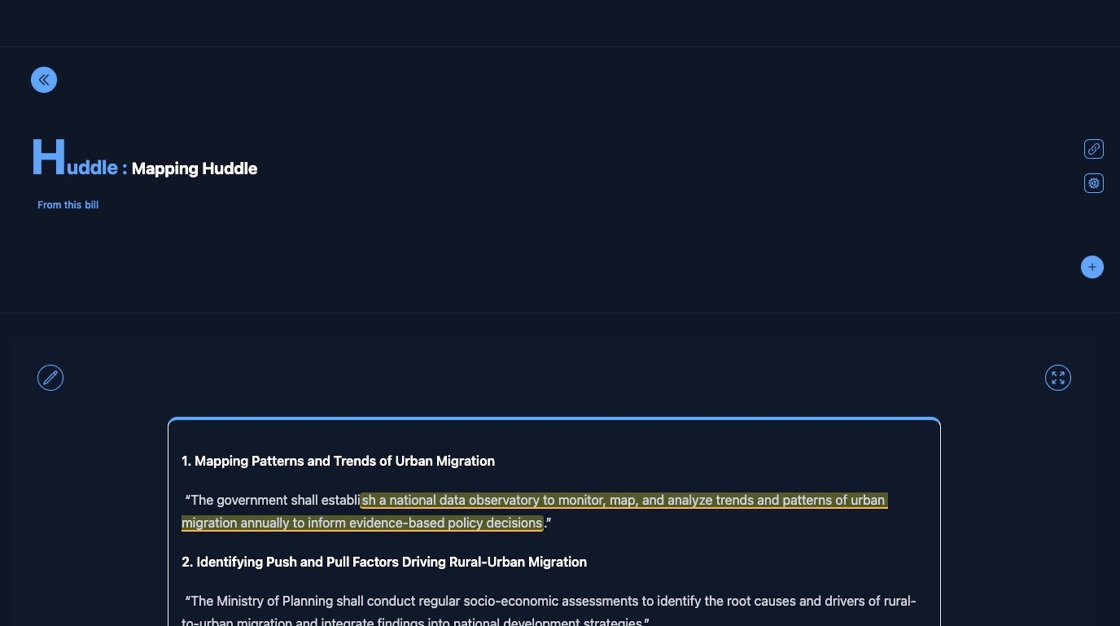
Step 2: Open the Huddle Menu
Click the highlighted icon to open the Huddle options.

Step 3: Locate the Source Label
Double-click the "From thisBILL" or similar label to navigate to the source.
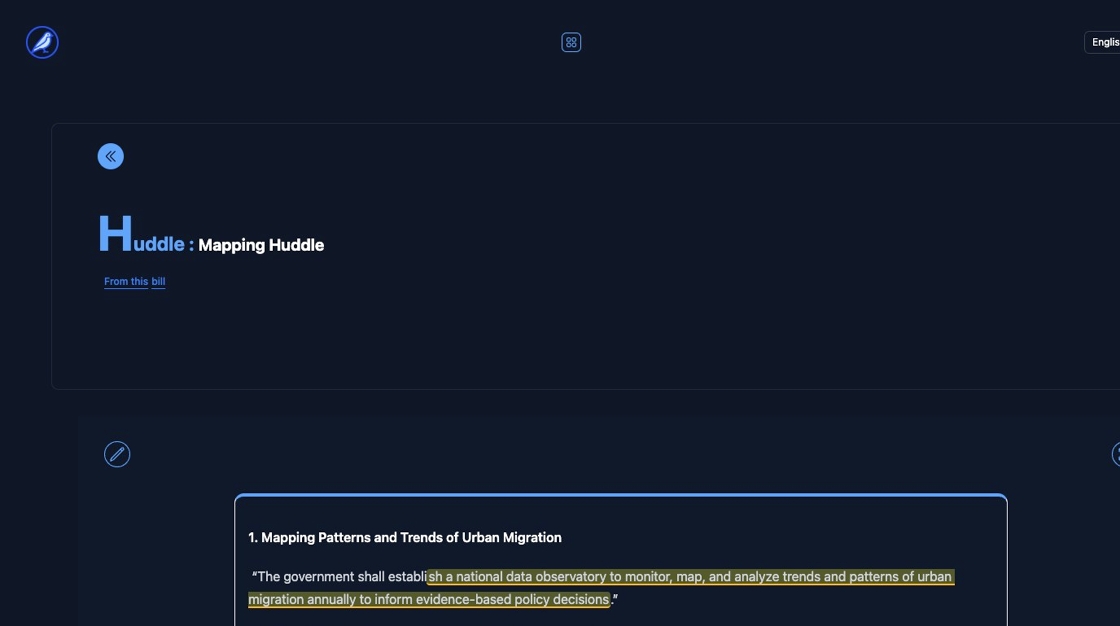
Step 4: View the Source Details
Click the element shown to access the full origin details.

Step 5: Open the Original Source
Click the final link or button to open the originating document or item.

✅ You’ve now successfully traced the Huddle back to its origin.
Need help understanding the source context? Check out the Huddle documentation for more guidance.