
How to Maximize the Screen When Reading a Huddle
To improve focus and readability, you can maximize the Huddle view by following the steps below.
Step-by-Step Instructions
Step 1: Open the Huddle
Open the Huddle you want to read.
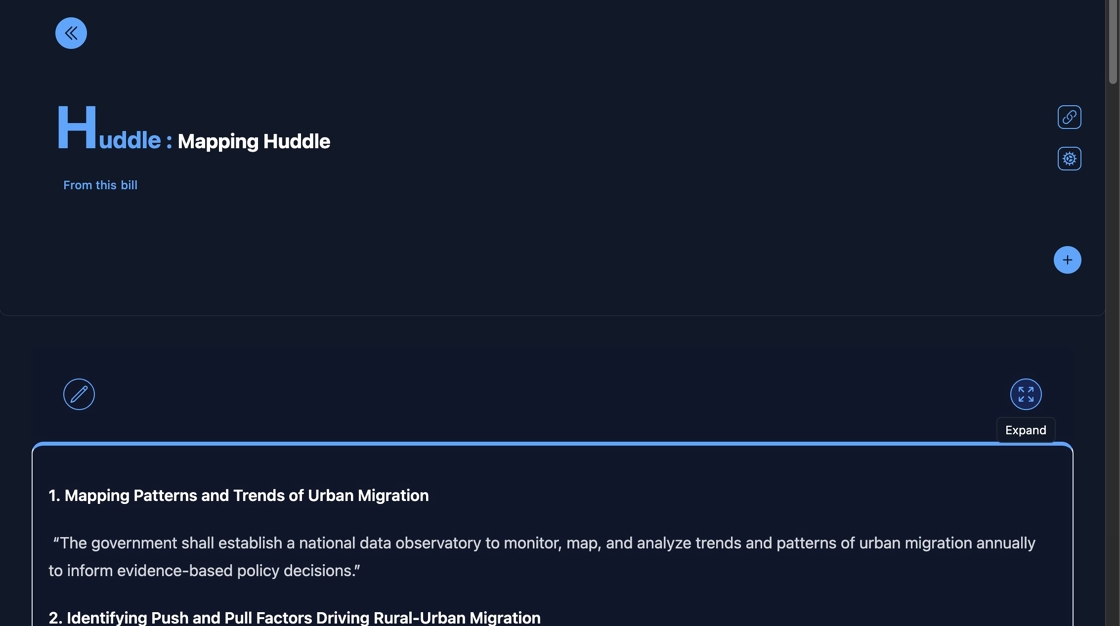
Step 2: Click the Co-creation Toggle
To enable full-screen reading mode, click the highlighted toggle icon (co-creation mode).

Step 3: Maximize the Huddle View
Click the maximize icon as shown to expand the Huddle to full screen.

✅ You're now in full-screen reading mode for distraction-free focus.
Need more tips? Visit the Huddle documentation for further guidance.