
How to Share a Huddle on Social Media
You can share a specific part of a Huddle to social media platforms by following the steps below.
Step-by-Step Instructions
Step 1: Open the Huddle
Navigate to the Huddle you want to share.
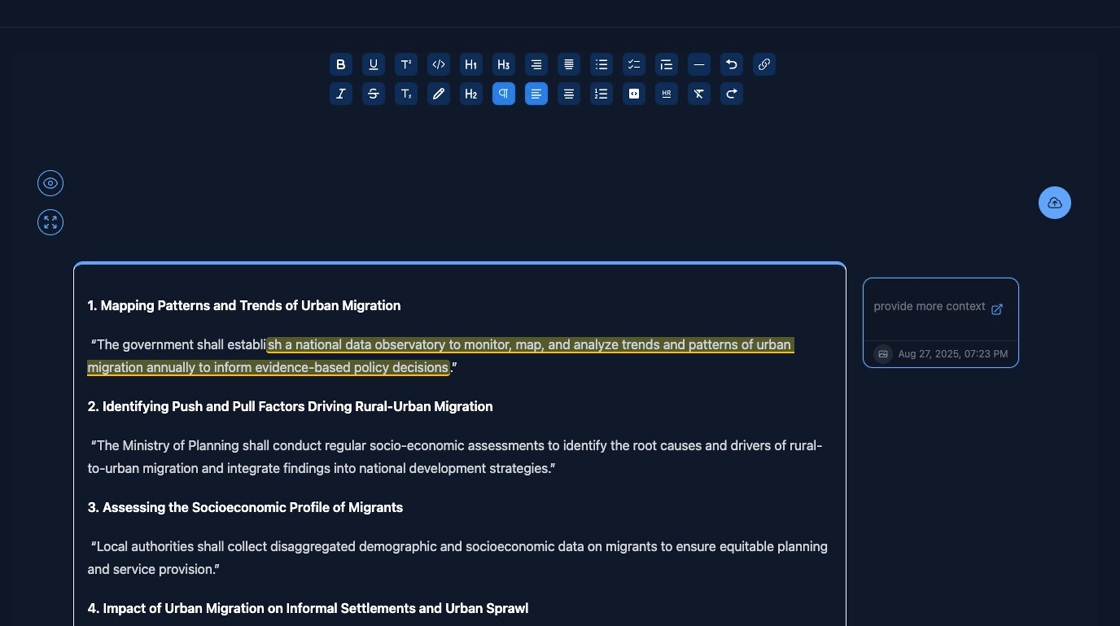
Step 2: Select the Text to Share
Click or highlight the section of text you want to share.
For example:
“Local authorities shall collect disaggregated demographic and socioeconomic data on migrants to ensure equitable planning and service provision...”

Step 3: Click the Share Icon
After selecting the text, click on the Share icon to view sharing options.
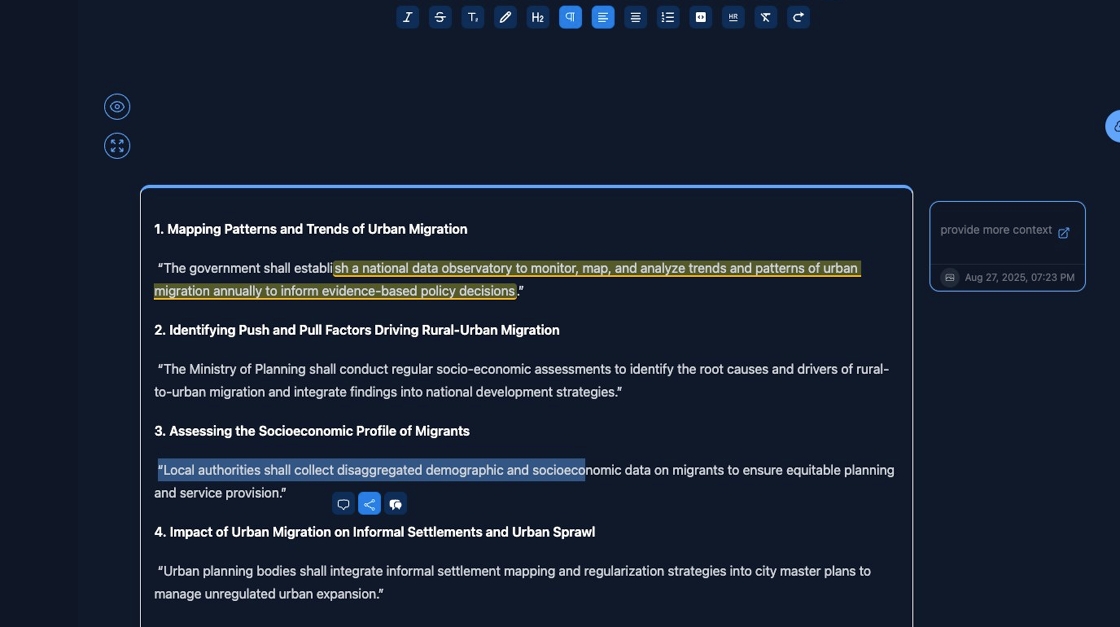
Step 4: Choose “Share this huddle on socials”
From the dropdown or modal that appears, select "Share this huddle on socials."

✅ The Huddle snippet will now be prepared for sharing on your preferred social media platform.
For more tips on using Huddles, see the Huddle documentation.